How to Get More Reliable Amazon BSR Sales Estimates
Learn how to get more useful Amazon BSR sales estimates with the right edition, marketplace, rank, and free research tools.
About these recommendations: Written by AuthorScout. Selections reflect the task described here, not an independent accuracy test. Product information was checked on October 18, 2026; plans and allowances can change.
If you search for an accurate Amazon sales calculator, you probably want a straightforward answer: how many copies is this book selling? Amazon Best Sellers Rank is often shortened to BSR or ABSR. The rank is visible evidence; converting it to sales is an estimate.
You can make that estimate more useful by choosing the right inputs, checking the book's context, and recording uncertainty. The following workflow uses Amazon, AuthorScout, and Kindlepreneur. These are three useful starting points, not a claim that a calculator can disclose exact competitor sales.
Start with these three resources
- Amazon's book page: inspect the edition you are researching.
- AuthorScout: use its free page-analysis extension and limited free calculator access to examine the evidence together.
- Kindlepreneur: use its free sales calculator as an optional second estimate. Open it here.
AuthorScout is our preferred workspace for this process because the calculation can lead into book investigation. The important habit is keeping the evidence connected to a specific edition, store, and date.
Step 1: identify the edition and marketplace
Open the book in the store you intend to research. Select paperback, hardcover, or Kindle as appropriate, then inspect the product details. Do not switch formats halfway through recording the information.
Amazon states that formats have their own independent BSRs. It also explains that rank reflects activity relative to other books and can move even when a book's own activity stays the same. See Amazon's explanation.
Write a compact note: “Paperback, Amazon UK, checked today.” That small habit prevents a surprisingly common mistake: comparing numbers that describe different versions of a book.
Step 2: use the rank the calculator asks for
AuthorScout's book calculator asks for the overall Books or Kindle Store rank, not a rank within a small category. Follow that instruction. A book may display several ranking numbers, and they answer different questions.
- Check the field label before copying a number.
- Keep the selected format consistent with the calculator setting.
- Select a supported marketplace.
- For Kindle books, distinguish paid-store rank from free-promotion rank; a free rank does not estimate paid sales.
- Record unavailable information as unavailable; do not substitute a different edition without noting it.
Step 3: record a range, not just a confident-looking number
Run the calculation and save the inputs with the result. If the tool provides a range, retain it. If you use a second calculator, check that the inputs are identical before comparing answers.
For example, imagine a hypothetical estimate of 80–130 monthly copies. A project with expensive illustrations might work differently at 80 copies than at 130. Use both scenarios. Do not turn the midpoint into a promise or describe it as a publisher's actual sales.
Step 4: investigate why the book interests you
Ask what made this title stand out. Was it recently published? Does it serve a clear audience? Are its reviews discussing an unmet need? Is it seasonal?
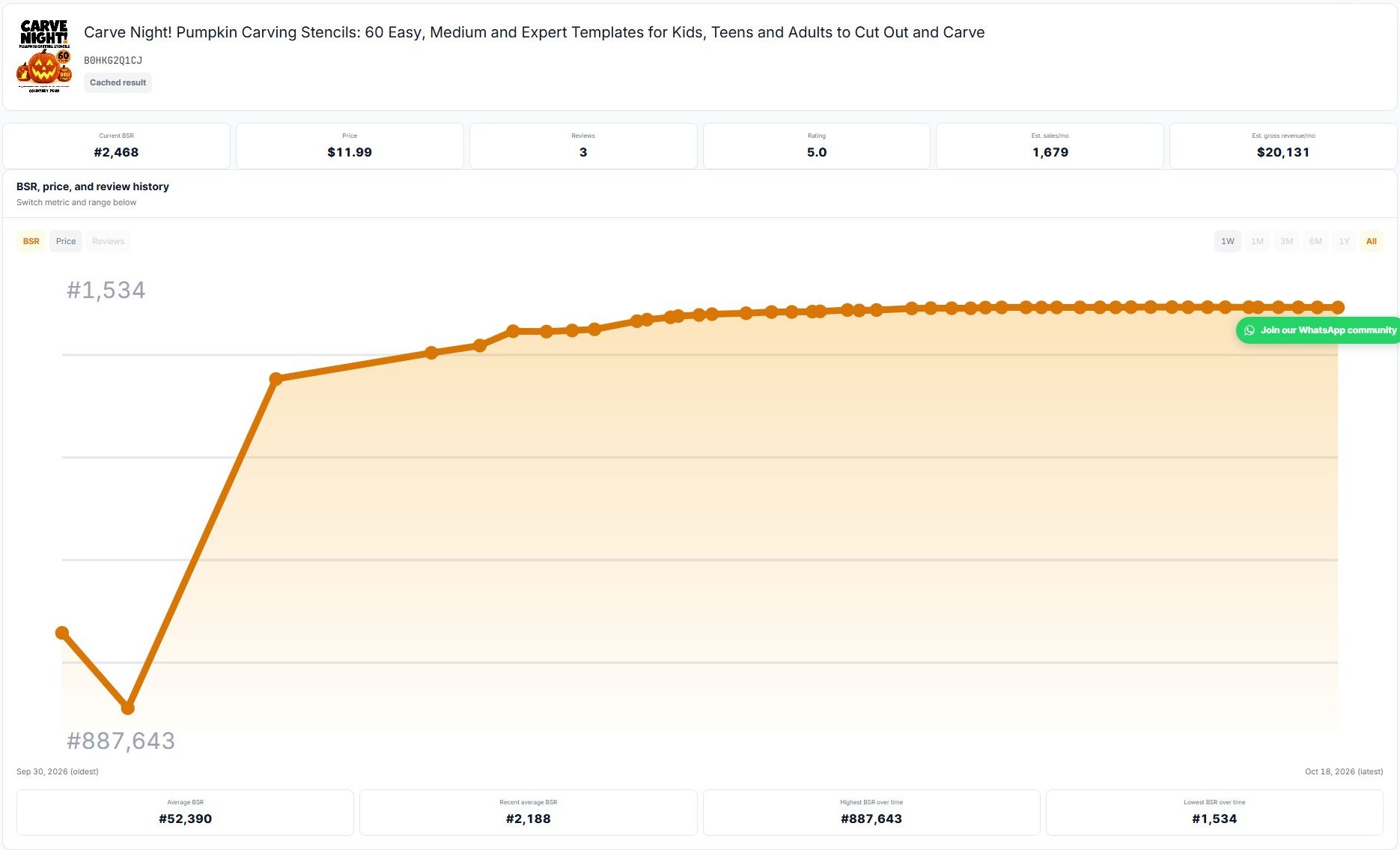
Use AuthorScout's page analysis to organize the visible evidence. If your account has a free history lookup available, spend it on a serious candidate. Otherwise, make dated notes and revisit the page yourself. Automated Book Tracker is a paid feature; manual follow-up is a reasonable free starting method.
Step 5: make the decision bigger than the estimate
An estimate should help prioritize research. Your publishing decision still needs an original reader promise, a realistic production plan, and a price that works for the format.
Finish each session with three lines: what the evidence suggests, what remains uncertain, and what you will check next. That is more useful than saving a large sales number with no explanation.
Try the process with AuthorScout's BSR calculator. Better inputs and clearer assumptions make research more dependable; no responsible workflow makes competitor sales exact simply by adding another decimal place.